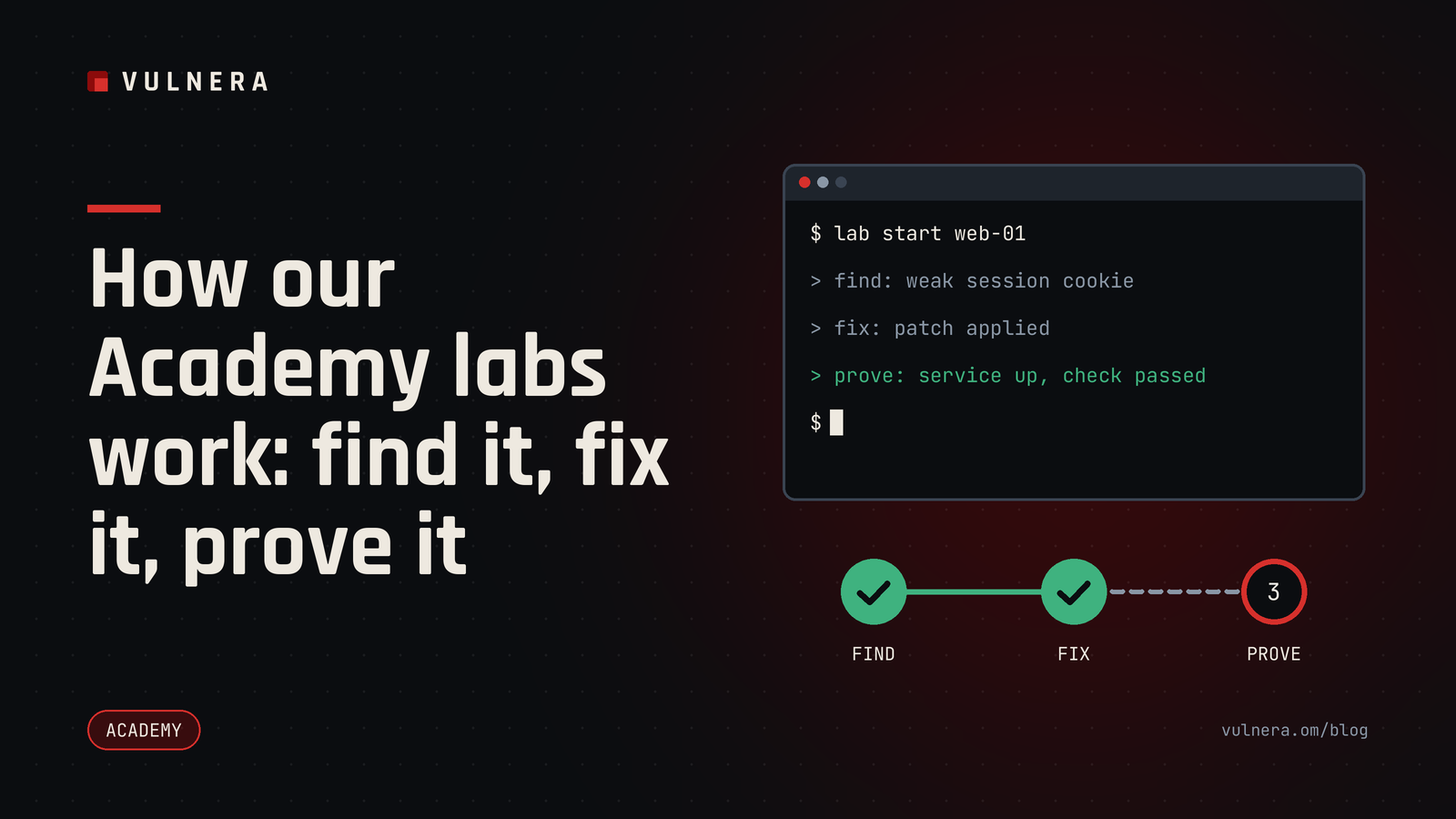
Reading about security is useful. Doing it is what makes it stick. The Vulnera Academy is built around hands-on labs, and this post explains how they are designed and why we made the choices we did.
Every lab is written by us, with our own generated data and fictional organisations. Nothing is copied from elsewhere, and none of it touches a real company.
Find and fix, not just find
Many training platforms stop at "find the weakness". That covers half the job. In real work, someone has to correct the problem, and they have to do it without breaking the service that people depend on.
So our labs are framed around find-and-fix. A typical task presents a small, fictional system with a flaw in it: an exposed admin page, a permissive configuration, a log file that holds evidence of something odd. You are asked to understand what is wrong, explain why it matters, and then put it right.
That ordering matters. A learner who has only ever seen the problem tends to remember the exciting part. A learner who has had to repair it remembers the discipline: read the evidence, make the smallest correct change, then verify.
Checks that confirm the fix works
When you submit a fix, the lab does not simply compare your answer to a stored string. It runs checks against the state of the system. A good check asks two questions:
- Is the weakness actually gone?
- Does the legitimate function still work?
The second question is deliberate. It is easy to "secure" a web server by turning it off. Real organisations cannot do that, so neither can you. A hardening lab that closes a port but also breaks the application will not pass. This builds the habit of testing after a change, which is the habit that stops an overnight fix becoming a morning outage.
Per-learner variants
Each learner gets their own variant of a lab. Names, addresses, passwords-in-the-scenario, file contents and the position of the evidence are generated per person, from the same template.
This has three practical benefits:
- You cannot pass by copying someone else's answer, because their answer is wrong for your variant.
- Working through a lab with a colleague stays useful. You can discuss the method freely, but each of you still has to do the work.
- Re-attempts are fresh. A second try at a lab teaches the method rather than rewarding memory of the last values.
The template defines the lesson; the variant defines the details. That is how one carefully reviewed lab can serve many learners fairly.
Safe by construction
Labs run in isolated environments that we control. The scenarios use fictional organisations and reserved example addresses, so nothing a learner does can reach a real system. The emphasis throughout is on protecting, detecting, hardening and responding. We teach the reasoning an attacker's activity leaves behind so that defenders can recognise and stop it, not a catalogue of ways to cause harm.
What a session feels like
A short lab usually follows a rhythm:
- Read the brief. It describes the fictional organisation and what the owners want protected.
- Investigate. You look at configuration, logs or a small application and form a theory.
- Fix. You make a targeted change.
- Check. The lab verifies the weakness is closed and the service still works.
- Reflect. A short note explains what the flaw was, how it commonly arises in real environments, and what a reviewer should look for.
The note at the end is as important as the pass mark. Understanding why a mistake is common is what lets you spot it in your own estate.
Who benefits
IT administrators learn to review configurations with a sharper eye. Developers see how a small oversight becomes a real exposure. Newcomers to the field build confidence by solving something concrete rather than memorising terms. Managers who want to understand what their teams do can try a beginner lab in an hour.
Getting the most from a lab
- Read the whole brief before touching anything.
- Write down your theory before you change a setting; it makes the final note easy.
- Make one change at a time and re-check after each.
- If you get stuck, step back and ask what evidence you have not yet looked at.
- Always confirm the service still works.
Checklist for learners
- Brief read in full
- Evidence gathered before any change
- One change at a time
- Fix verified and service confirmed working
- Short note written on why the flaw happens
Questions about how the Academy works, or about training for your team? Write to info@vulnera.om.
Further reading
- OWASP Top 10, OWASP: the standard awareness list of web application risk categories, useful context for many labs.
- Secure by Design guidance, CISA: explains why building safer defaults beats relying on users to fix problems later.
- NICE Framework, NIST: a public map of cyber security work roles and skills that helps you decide what to practise.